The field app
Your territory, in your pocket.
The knock-list you planned at the kitchen table, native on your phone at the door: ranked doors, opener cards, and two-tap outcome logging that works with zero bars.

Google Play and the Google Play logo are trademarks of Google LLC.
For KnockGenius account holders — sign in with your work email. No public sign-up in the app.
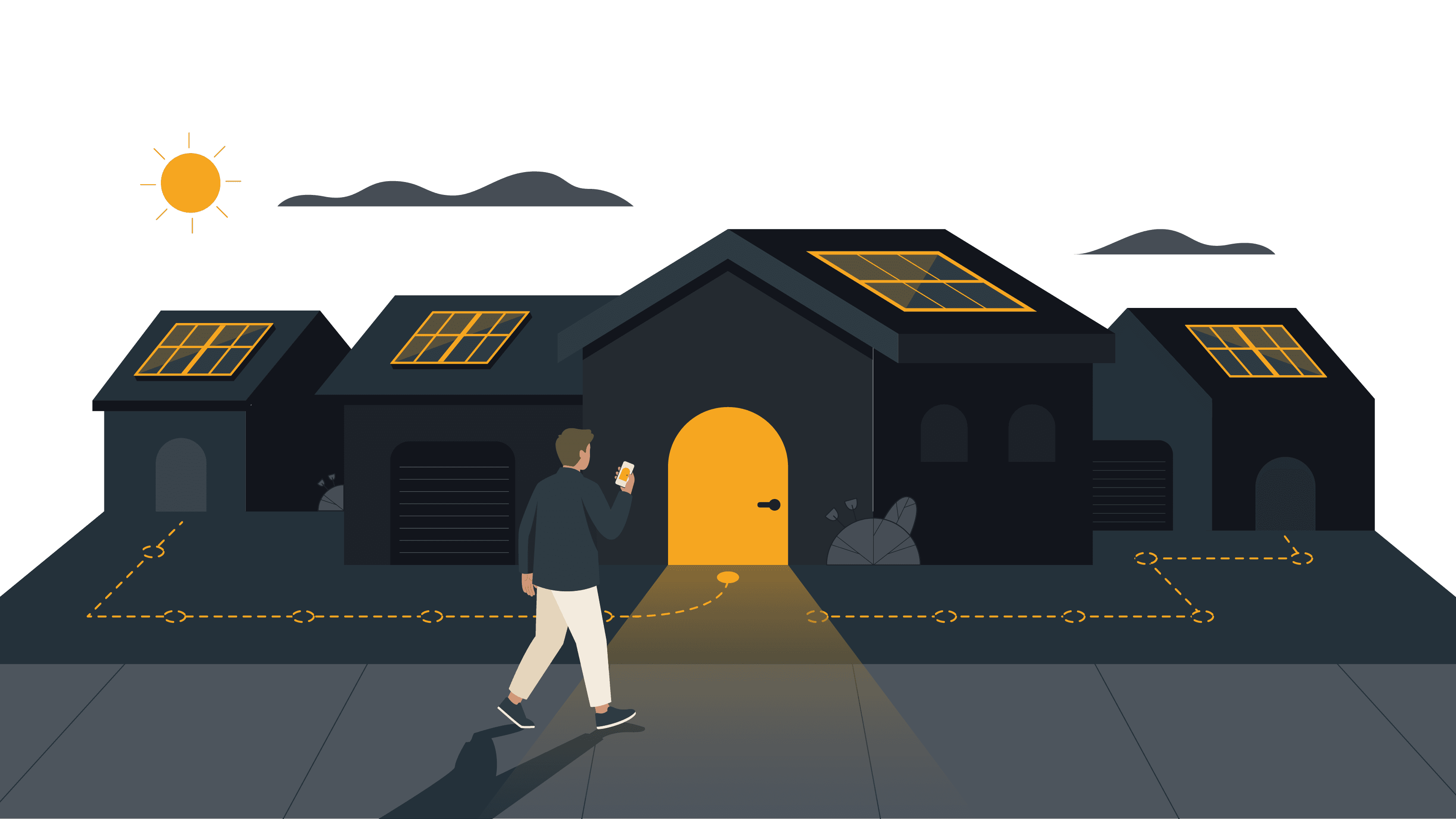
Built for the porch, not the desk
Ranked doors, opener cards, and outcome logging.
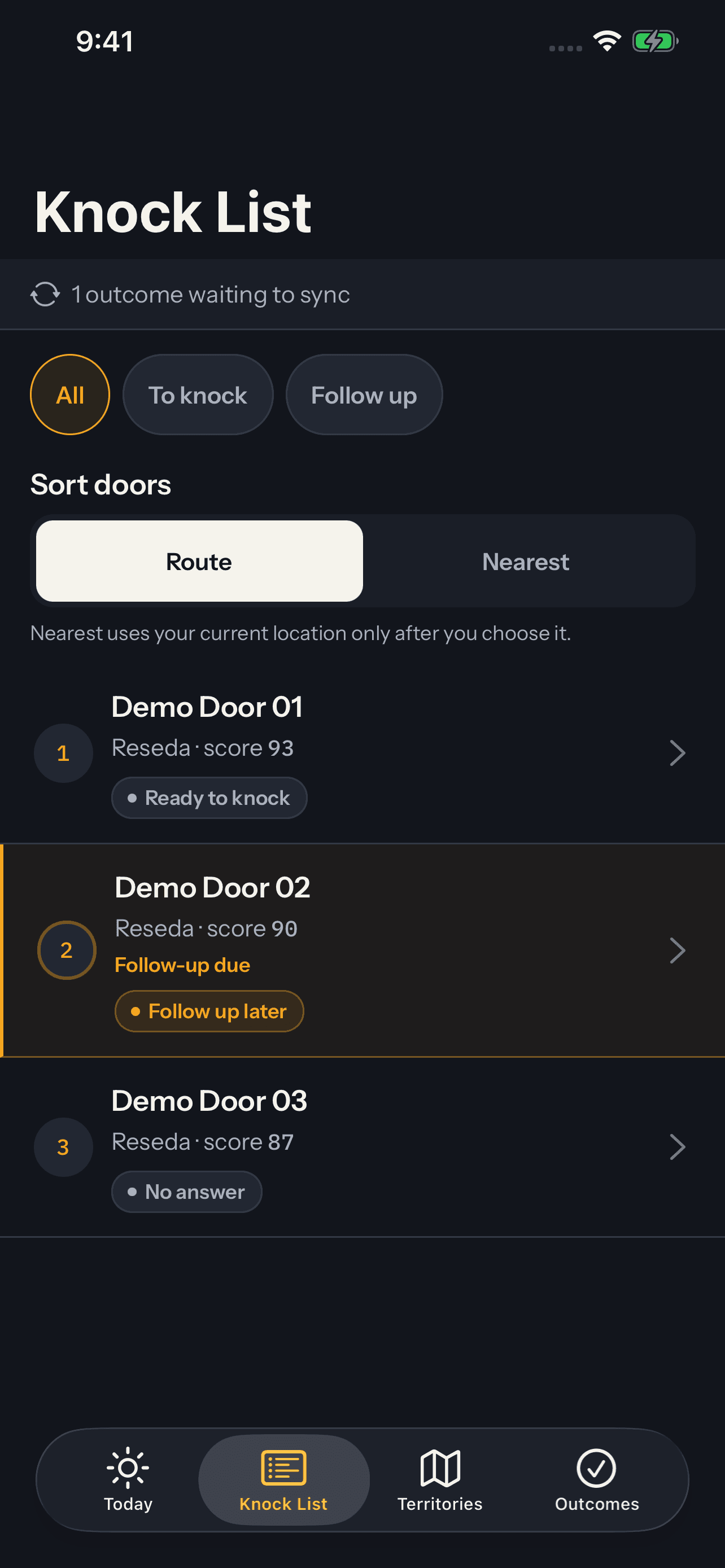
The ranked list, in your hand
Every door in your territory is ordered by Knock Score, with an optimized walk route. Park at the anchor and work down the list you reviewed before leaving.
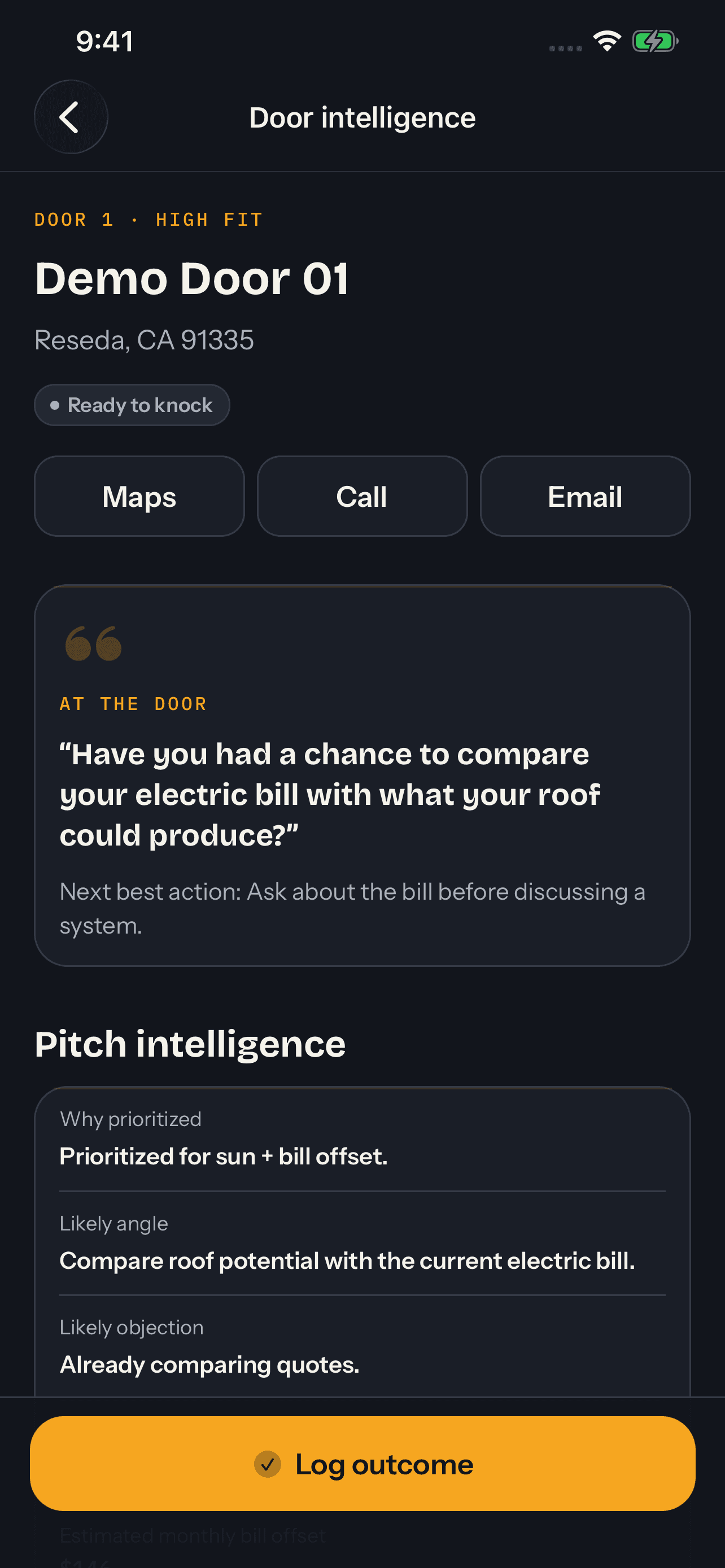
Door intelligence at the door
Tap any address for its opener card: the opener, the likely pain point, the objection you'll probably hear, and the roof numbers to back it up. You read it on the walk up, not in the truck.
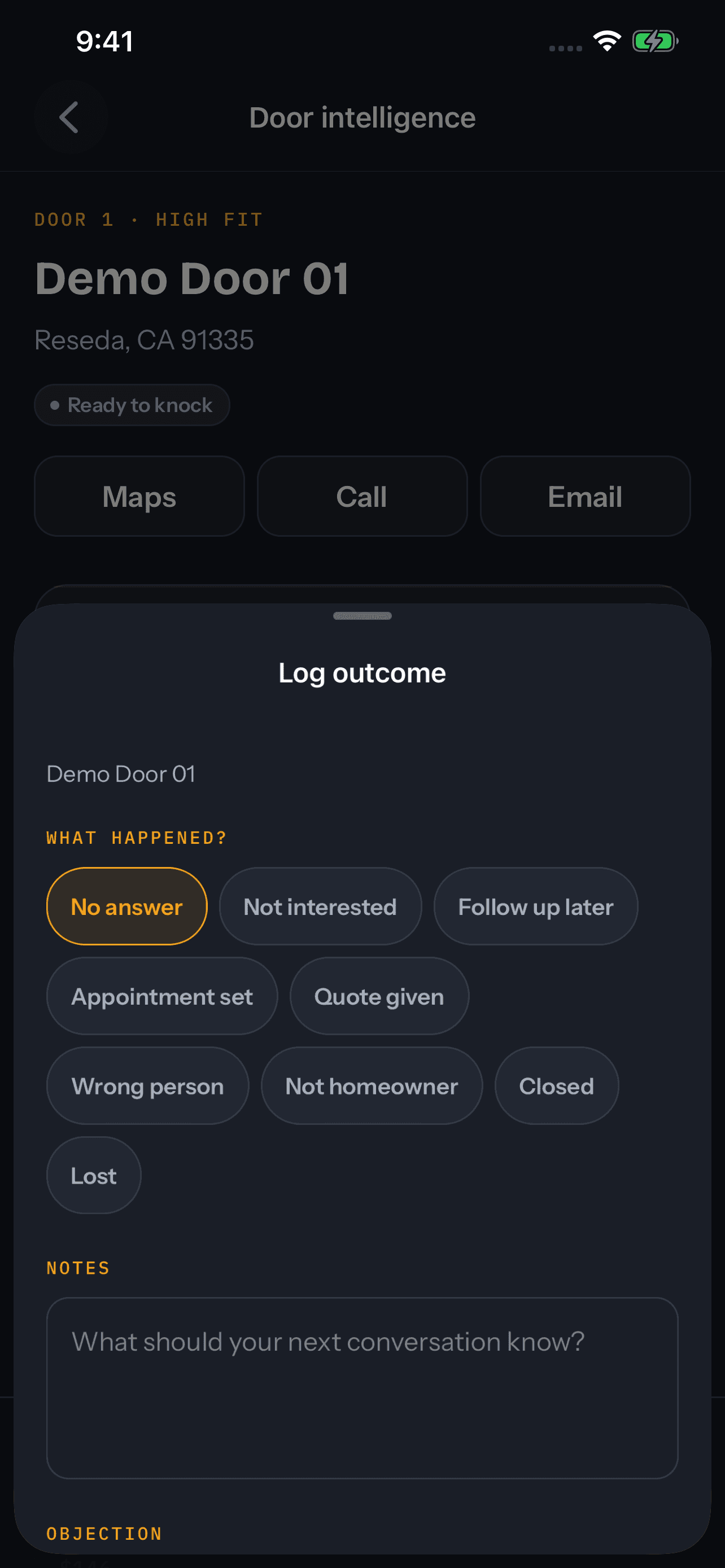
Log outcomes — even with no signal
Record each outcome in two taps. The app queues outcomes in an encrypted local database, then syncs them when coverage returns. Those records support your weekly coaching.
Using KnockGenius offline
What should I do before leaving signal?
Sign in while connected and open your assigned residential territory. Wait for the ranked knock-list to load, then check the door cards you'll use. Offline access depends on what the app has saved on this device. Commercial Scout runs aren't saved for offline use.
What can I see offline?
Your saved territory includes your ranked doors and any available door cards. Map imagery isn't guaranteed offline. Saved territory pins and your route may appear on a blank map, so check the knock-list before heading out.
How long can I work offline?
You can use your saved territory for up to 24 hours after the app last confirmed your account access online. Reconnect daily and open the app so it can confirm your access again. Staying signed in by itself doesn't extend that limit.
What happens to the outcomes I log?
The app queues outcomes in encrypted storage on your device. To send them, reconnect while signed in with territory access, then reopen the app. Check Outcomes for "Waiting to sync" or "Needs attention" and retry items that need it. Confirm your outcomes show "Synced" before signing out, which removes local data.
The field half of your subscription
Already hold a territory? You're ready.
Your assigned doors sync automatically. Sign in with the work email on your account and enter the code sent to it. Locked out or missing a territory? Support can sort it.
No territory yet? Apply for one — the app comes with it.